

Folders, search, and live updates
Konten ini belum tersedia dalam bahasa Anda.
Mailbox and folder are separate
Section titled “Mailbox and folder are separate”The sidebar picks the mailbox: all mail, one alias, or one label. The rail inside picks the folder: Inbox, Starred, Archived, Trash.
They combine. Selecting @news and then Starred shows that alias’s starred
mail — not everyone’s. The breadcrumb names both:
MailRiz / @news · Starred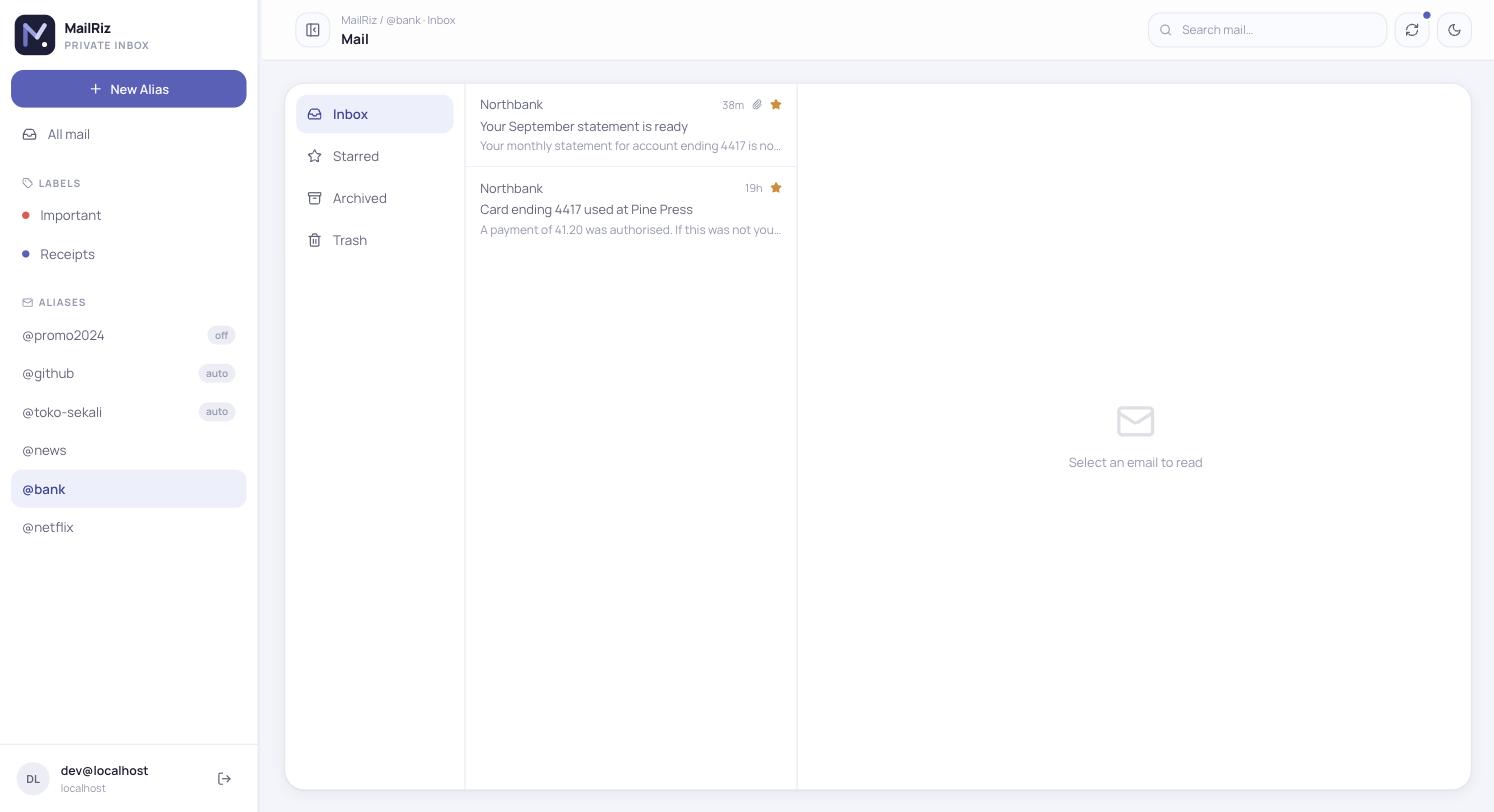
All mail at the top of the sidebar returns to the unscoped view.
The URL follows
Section titled “The URL follows”Everything on screen lives in the address bar, so reloading, bookmarking, and the back button all land where you were:
/inbox all mail, inbox/starred all mail, starred/alias/:aliasId/inbox one alias/label/:labelId/trash one label…/:emailId with a message open?q=… searchBookmark /alias/<id>/inbox to open straight into one address.
Search matches prefixes
Section titled “Search matches prefixes”Typing jan finds jane — you do not have to complete the word. Every term
must match, each as a prefix, so jan doe narrows rather than widens.
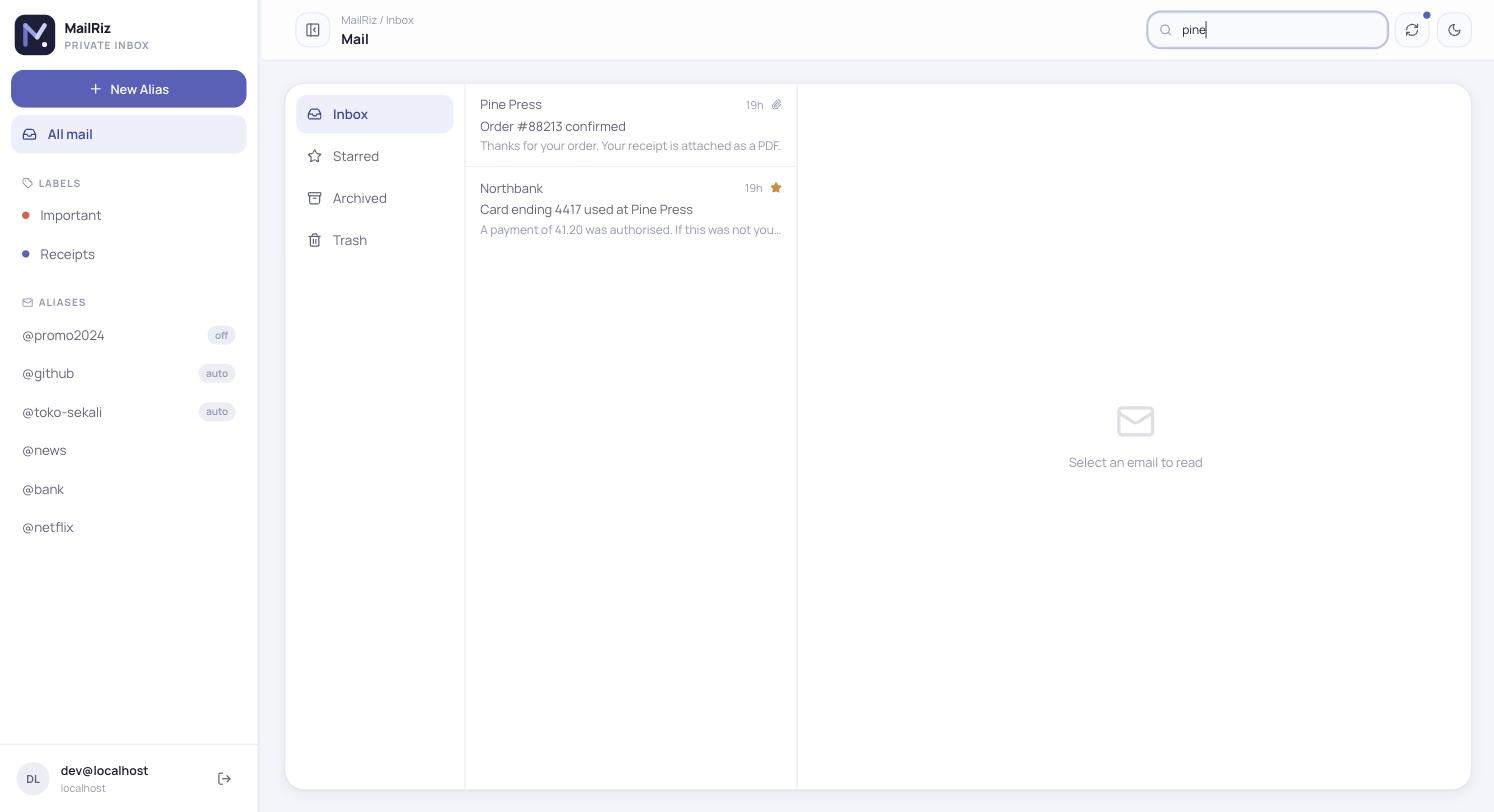
Search runs over subject, sender, and body text, and is scoped to the mailbox and folder you are in.
Switching mailbox clears the search. Landing in an apparently empty Trash because a filter carried over reads as a bug, so it does not follow you.
Mail arrives on its own
Section titled “Mail arrives on its own”New mail appears in the list without a refresh, usually within about four seconds. There is nothing to enable.
The small dot on the refresh button shows the state of that connection:
| Dot | Meaning |
|---|---|
| Green | connected — new mail will appear on its own |
| Grey | disconnected — press refresh to check manually |
A brief grey moment every few minutes is normal: connections are deliberately short-lived and the browser reconnects. Persistent grey means live updates are not working — see Troubleshooting.
New mail sorts to the top, so it appears there. If you had pressed Load more, an arrival returns the list to the first page.
Labels
Section titled “Labels”Colour-coded and listed in the sidebar. Selecting one scopes the mailbox to it, exactly like selecting an alias, and the folder rail keeps working inside it.